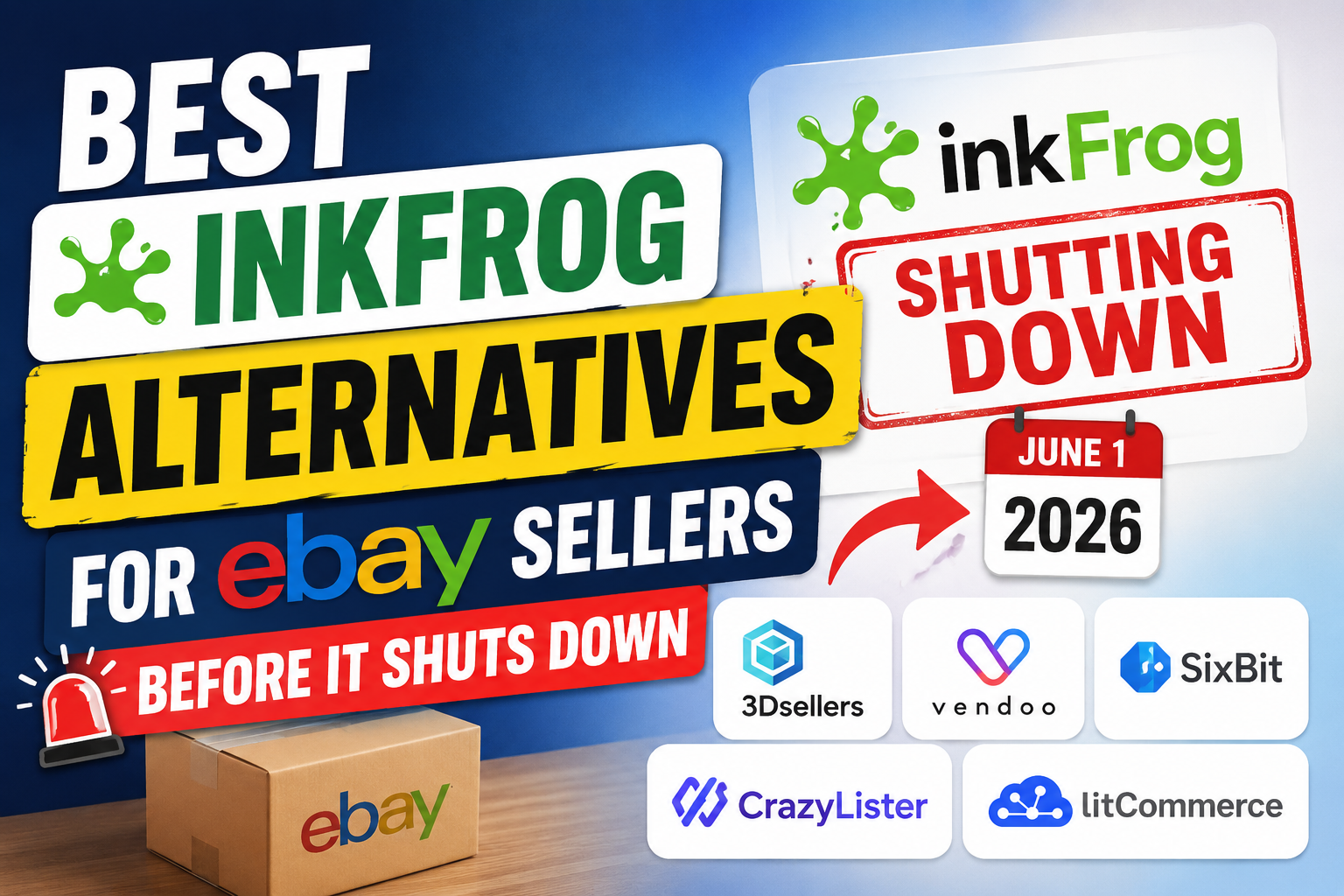
Best InkFrog Alternatives for eBay Sellers Before It Shuts Down

If you’ve been selling on eBay for a significant amount of time, InkFrog has likely been the backbone of your operations. For years, it was the go-to tool for managing listings, hosting images, and creating those classic HTML templates that defined the "professional" eBay look.
However, the clock is ticking. With the official announcement that InkFrog will be shutting down on June 1, 2026, a massive wave of uncertainty has hit the seller community. Whether you have 50 listings or 50,000, moving your entire business infrastructure is a daunting task. I’ve been through several "software migrations" in my decade of e-commerce experience, and I can tell you one thing: the earlier you move, the less profit you lose.
This isn't just about finding a new place to host your photos; it’s about upgrading your workflow. In this guide, we will explore the best InkFrog alternatives, ranked by their efficiency, features, and future-proofing, to ensure your transition is seamless and your sales remain uninterrupted.
InkFrog Shutdown Explained: Why You Can't Afford to Wait
Why is InkFrog closing its doors? While business pivots and acquisitions often happen behind the scenes, the reality for the user is simple: the platform is entering its sunset phase. Between now and June 1, 2026, support will likely dwindle, and more importantly, the software may not keep up with eBay’s frequent API updates and mandatory "Item Specifics" changes.
The risks of staying until the last minute are high:
- Data Fragmentation: If you wait until the final month, the rush of thousands of sellers exporting data might slow down servers or lead to corrupted CSV files.
- Template Obsolescence: InkFrog’s proprietary template builder might not export well into other systems. You need time to redesign or "clean" your HTML.
- SEO Rankings: eBay’s Cassini search engine values consistency. A botched migration where listings are ended and relisted incorrectly can tank your "Best Match" ranking.
The good news? The e-commerce landscape has evolved significantly since InkFrog’s heyday. The tools available today are faster, more mobile-friendly, and offer deeper automation than InkFrog ever did.
Top 5 InkFrog Alternatives
After testing dozens of tools in live environments, here are the top 5 platforms that offer the most reliable "life after InkFrog."
1. LitCommerce
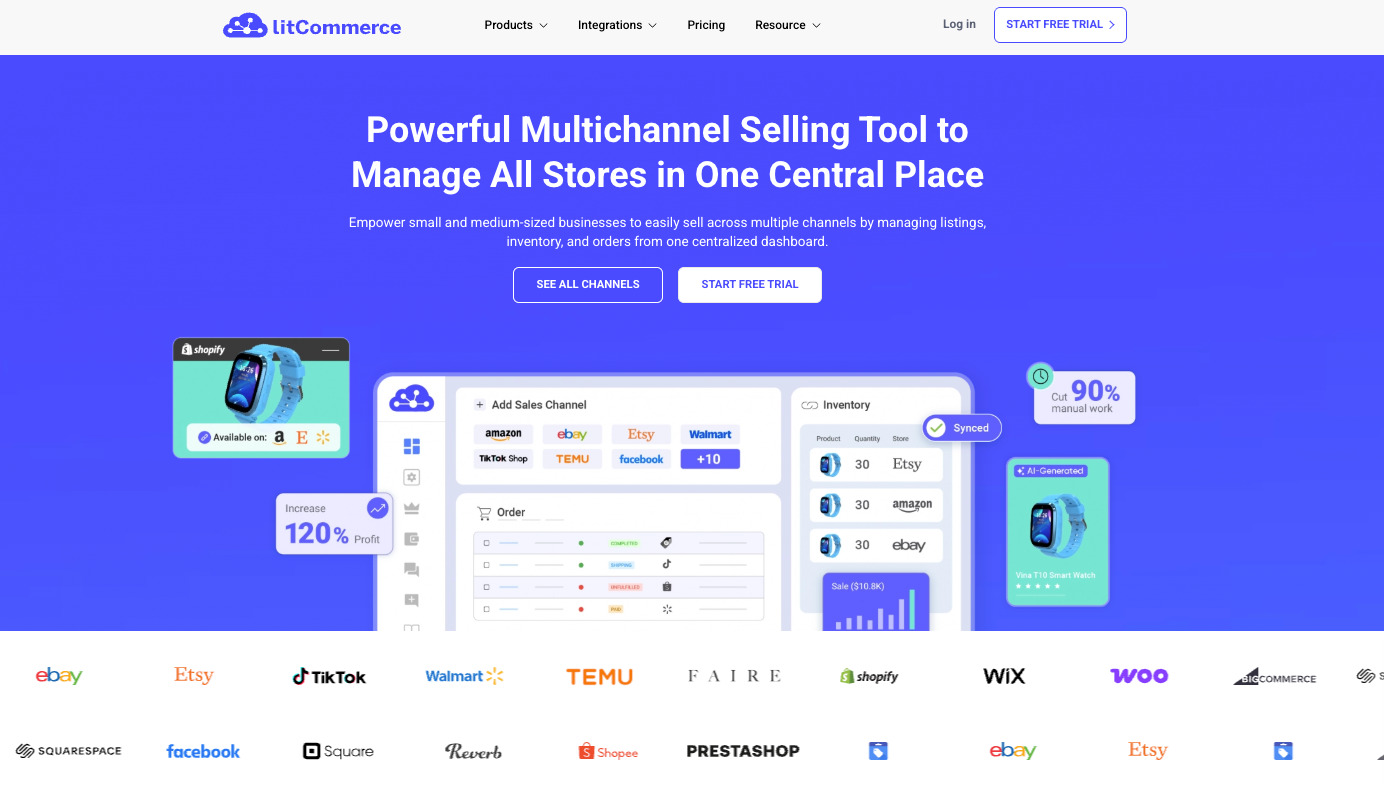
If you want a tool that feels like it was built for the 2025+ era of e-commerce, LitCommerce is the top contender. It is specifically designed for sellers who want to synchronize their eBay store with other platforms like Shopify, WooCommerce, or Amazon.
- The Experience: What struck me most about LitCommerce is the "Grid View." It looks and feels like an Excel spreadsheet but with the power of a listing engine. You can bulk-edit prices, titles, and item specifics across thousands of listings in seconds.
- Why it’s a great InkFrog Alternative: Unlike InkFrog, which often felt like a "wrapper" for eBay, LitCommerce acts as a central hub. It simplifies the complex "Item Specifics" requirements that eBay keeps adding.
- Pros: Ultra-fast syncing, very affordable entry-level plans, and a "Point & Click" interface that requires zero coding knowledge.
- Cons: It’s a cloud-based tool, so you need a stable internet connection (unlike old-school desktop software).
Visit LitCommerce's official website for more details: https://litcommerce.com/
2. 3DSellers
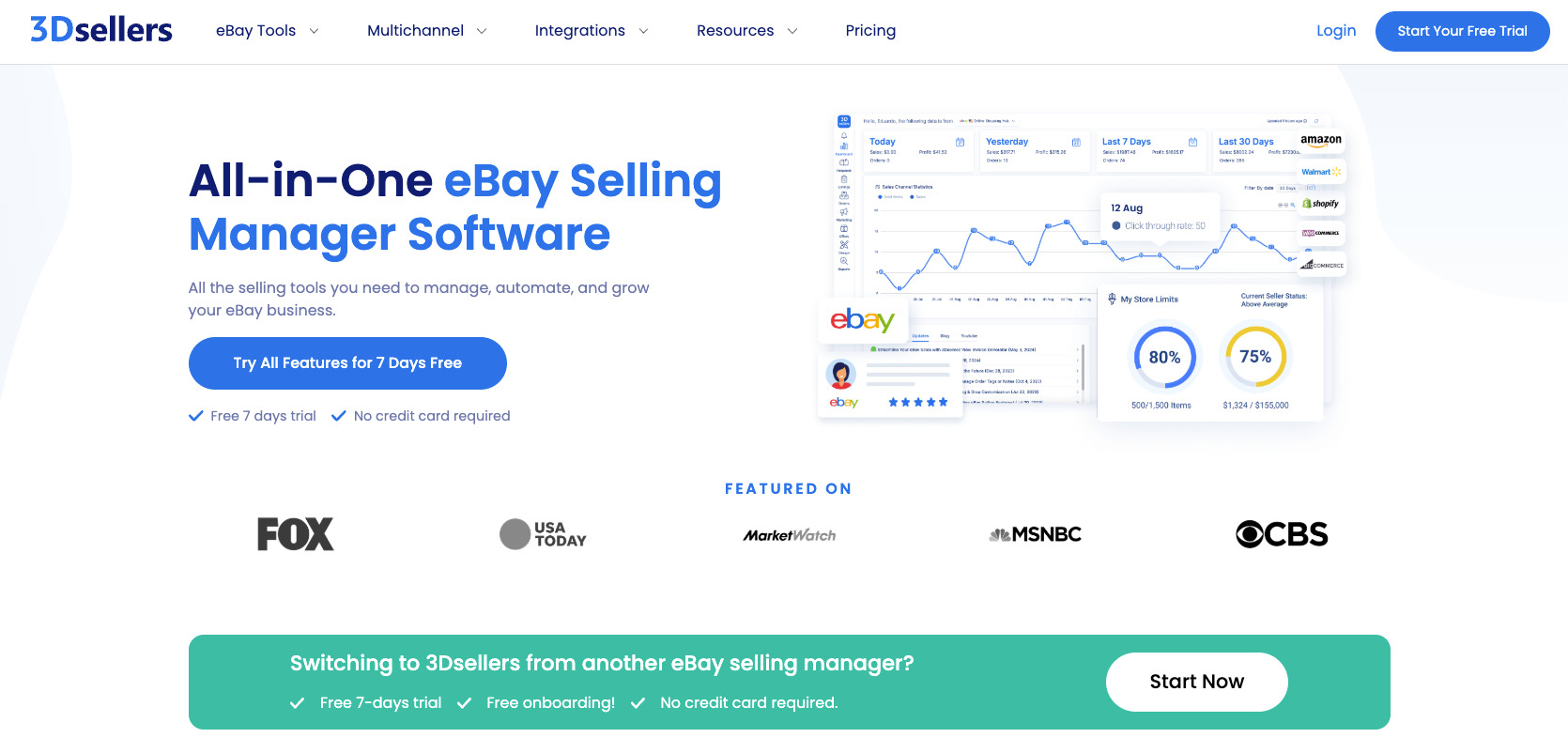
If InkFrog was your "office," 3DSellers is your entire corporate headquarters. This is arguably the most feature-rich platform on this list.
- The Experience: 3DSellers doesn’t just list items; it manages your entire customer lifecycle. It includes a CRM (Customer Relationship Management) tool, an automated feedback solicitor, and a helpdesk. When I used 3DSellers, I found that my "Repeat Customer" rate increased because of their automated follow-up emails.
- Why it’s a great InkFrog Alternative: If you used InkFrog’s marketing features (like the scrolling galleries), you will love 3DSellers. Their listing templates are highly customizable and designed to drive "cross-sales" within your own store.
- Pros: Includes an eBay SEO optimizer, professional email marketing tools, and a very robust inventory management system.
- Cons: The interface is dense. It takes a few days to learn where everything is because there are so many features.
Visit 3DSellers's official website for more details: https://www.3dsellers.com/
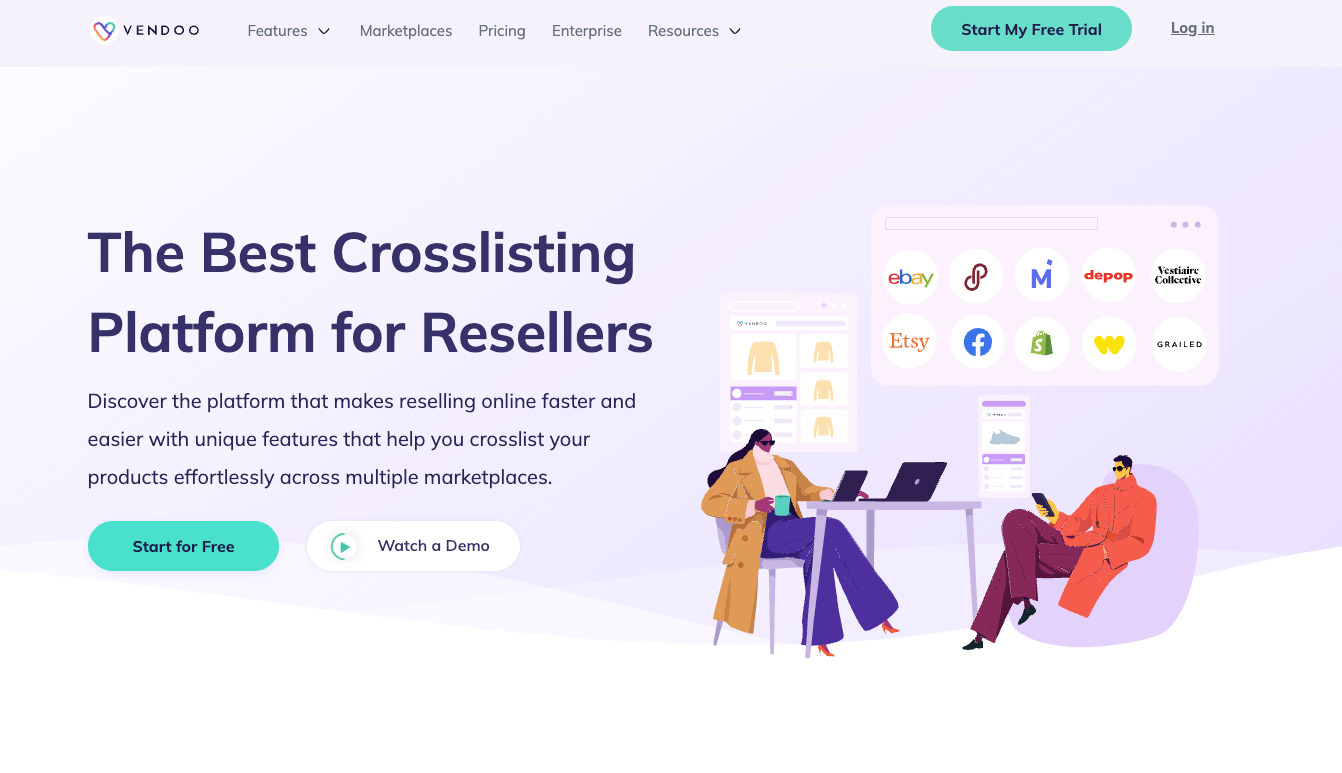
3. Vendoo
Are you a "reseller" who sources from thrift stores, estate sales, or liquidations? If so, Vendoo is likely a better fit for you than InkFrog ever was.
- The Experience: Vendoo is built for the "cross-listing" hustle. It allows you to take one product and blast it out to eBay, Poshmark, Mercari, Depop, and Facebook Marketplace simultaneously. I’ve found their mobile app to be particularly useful for listing on the go.
- Why it’s a great InkFrog Alternative: Many InkFrog users were actually small-to-medium resellers who felt InkFrog was becoming too "corporate." Vendoo brings back that "built-by-sellers-for-sellers" vibe.
- Pros: Incredible for multi-platform exposure, very simple pricing based on "new items per month," and an excellent mobile interface.
- Cons: Not ideal for high-volume brand owners with 100,000+ SKUs of the same item.
Visit Vendoo's official website for more details: https://vendoo.co/
4. SixBit
If you are an old-school seller who misses "eBay Blackthorne" or prefers having your data stored on your own computer rather than the cloud, SixBit is your soulmate.
- The Experience: SixBit is desktop-based software. It is incredibly powerful and handles massive amounts of data without the "lag" that sometimes hits browser-based tools. It’s a "workhorse" in every sense of the word.
- Why it’s a great InkFrog Alternative: For years, InkFrog and SixBit were the "Big Two." If you want a tool that gives you total control over your SQL database and allows for offline work, this is the only real choice.
- Pros: No monthly subscription "per listing" limits (on most plans), extremely powerful batch processing, and a local database for maximum security.
- Cons: You have to manage your own backups. The interface looks like it belongs in the Windows XP era (though it functions perfectly).
Visit SixBit's official website for more details: https://www.sixbitsoftware.com/
5. CrazyLister
If your business depends on "the look"—if you sell fashion, high-end electronics, or home decor—CrazyLister is the visual successor to InkFrog.
- The Experience: CrazyLister’s drag-and-drop editor is miles ahead of InkFrog’s. You can create a listing that looks like a high-end Shopify landing page inside eBay. Their focus is 100% on conversion rates.
- Why it’s a great InkFrog Alternative: Many people used InkFrog solely for the templates. CrazyLister takes that concept and modernizes it for the "mobile-first" shopper. All templates are automatically 100% mobile responsive.
- Pros: The best template editor in the industry, built-in image editing, and eBay compliance checks to ensure you don’t get flagged for "Active Content."
- Cons: It lacks the deep "inventory/warehouse management" features that LitCommerce or 3DSellers offer.
Visit CrazyLister's official website for more details: https://crazylister.com/
Steps to Take Before June 1, 2026
Do not wait until May 2026 to start this process. A rushed migration is a recipe for broken images and lost descriptions. Follow this 4-step "Migration Roadmap":
Step 1: Audit Your Current Library (Today - Month 3)
Log into InkFrog and look at your "Library." How many of those listings are actually active? How many templates are outdated?
- Action: Delete old, dead listings. Export your entire "Active" and "Archive" library into a CSV file. Save all your high-resolution images to a local drive or Google Drive, just in case.
Step 2: The "Test Drive" Phase (Month 4 - Month 8)
Select two alternatives from the list above. Most offer a 14-day free trial.
- Action: Connect your eBay store to a trial account. Try to import your current listings. See how the software handles your "Item Specifics." If you use variations (sizes/colors), check if they import correctly.
Step 3: The Parallel Run (Month 9 - Month 18)
Choose your winner and start using it for all new listings. Keep your old listings on InkFrog for now, but any new inventory should go through the new system.
- Action: This allows you to learn the new software’s quirks without risking your entire income. You’ll become a "power user" of the new tool while still having the InkFrog safety net.
Step 4: The Final Migration (Month 19 - June 2026)
Slowly migrate your existing InkFrog listings to the new platform.
- Warning: Many tools allow you to "Import from eBay." This is often better than "Importing from InkFrog." By importing directly from what is live on eBay, you ensure the new tool has the most current version of your data. Once everything is synced, cancel your InkFrog subscription.
FAQs About InkFrog Alternatives
Q: Will moving to a new tool hurt my eBay SEO?
A: If done correctly, no. If you "Sync" your existing listings to a new tool (rather than ending them and relisting), your sales history and "Best Match" rank will stay exactly the same.
Q: I have thousands of images hosted on InkFrog. What happens to them?
A: This is the biggest risk. InkFrog acts as an image host. When they shut down, those image URLs will break. You must choose a new provider (like 3DSellers or LitCommerce) that will re-host those images on their own servers or use eBay's native image hosting.
Q: Can I still use my custom HTML templates?
A: Most modern alternatives (especially CrazyLister and 3DSellers) have moved away from heavy HTML because eBay now prefers "Simple Description" layouts for mobile optimization. You can often copy-paste your HTML, but I recommend using the new tool’s native builder to ensure you are 2026-compliant.
Q: Is there a free alternative to InkFrog?
A: eBay’s own "Seller Hub" has improved significantly. For very small sellers, using eBay's native tools is the only "free" way. However, for anyone scaling, the time saved by a tool like LitCommerce or Vendoo far outweighs the monthly cost.
Final Thoughts: Choosing the Right InkFrog Alternative
The shutdown of InkFrog is the end of an era, but it shouldn’t be the end of your business. In fact, many sellers find that after switching to a more modern tool like LitCommerce or 3DSellers, they wonder why they stayed with InkFrog for so long. The automation, the speed of the interface, and the multi-channel capabilities of today’s software are lightyears ahead of what was available ten years ago.
My Final Recommendation:
- If you want a future-proof, multi-channel business: Go with LitCommerce.
- If you want to maximize every penny from every customer: Go with 3DSellers.
- If you are a passionate reseller on multiple apps: Go with Vendoo.
June 1, 2026, will be here faster than you think. Start your trials today, get a feel for the interfaces, and secure the future of your eBay store. The peace of mind you'll have on May 31, 2026, knowing your business is already safe, is worth every penny of the subscription cost.
Happy Selling!


.jpg)